Folders with unlimited nesting
Organize notes into folders with any level of nesting.
Your notes are stored locally on your device and encrypted.
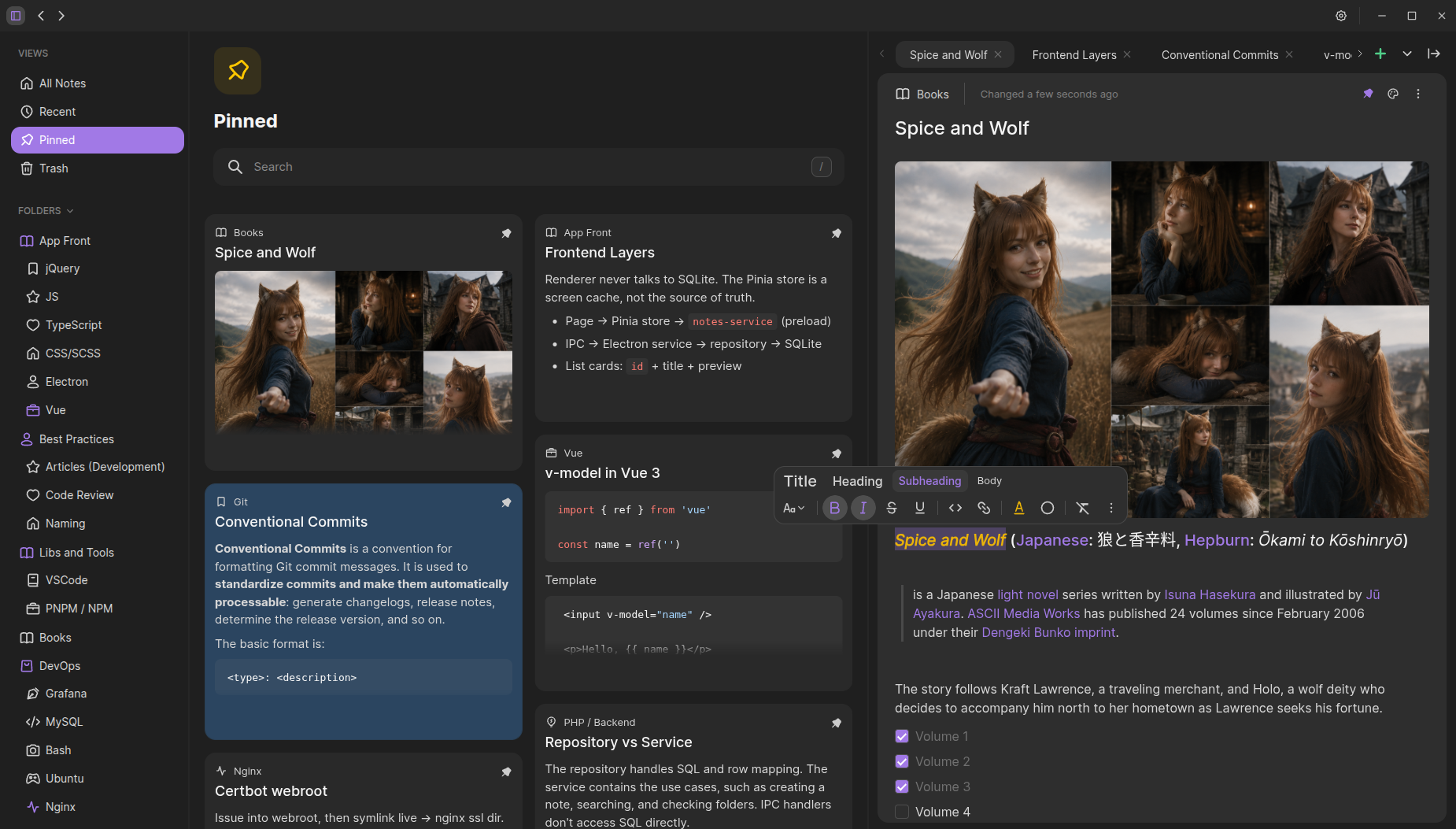
EnoteSpace is a desktop app for creating, editing, and organizing notes. All data is stored locally on your device, so the app does not depend on servers or an internet connection.
Create and edit your notes without an internet connection.
Your data is stored locally on your device in encrypted form.
Your notes stay on your device and do not require third-party cloud storage.
Notes are processed directly on your device, without delays caused by network requests.

A range of features designed to make organizing and working with notes simple and convenient.
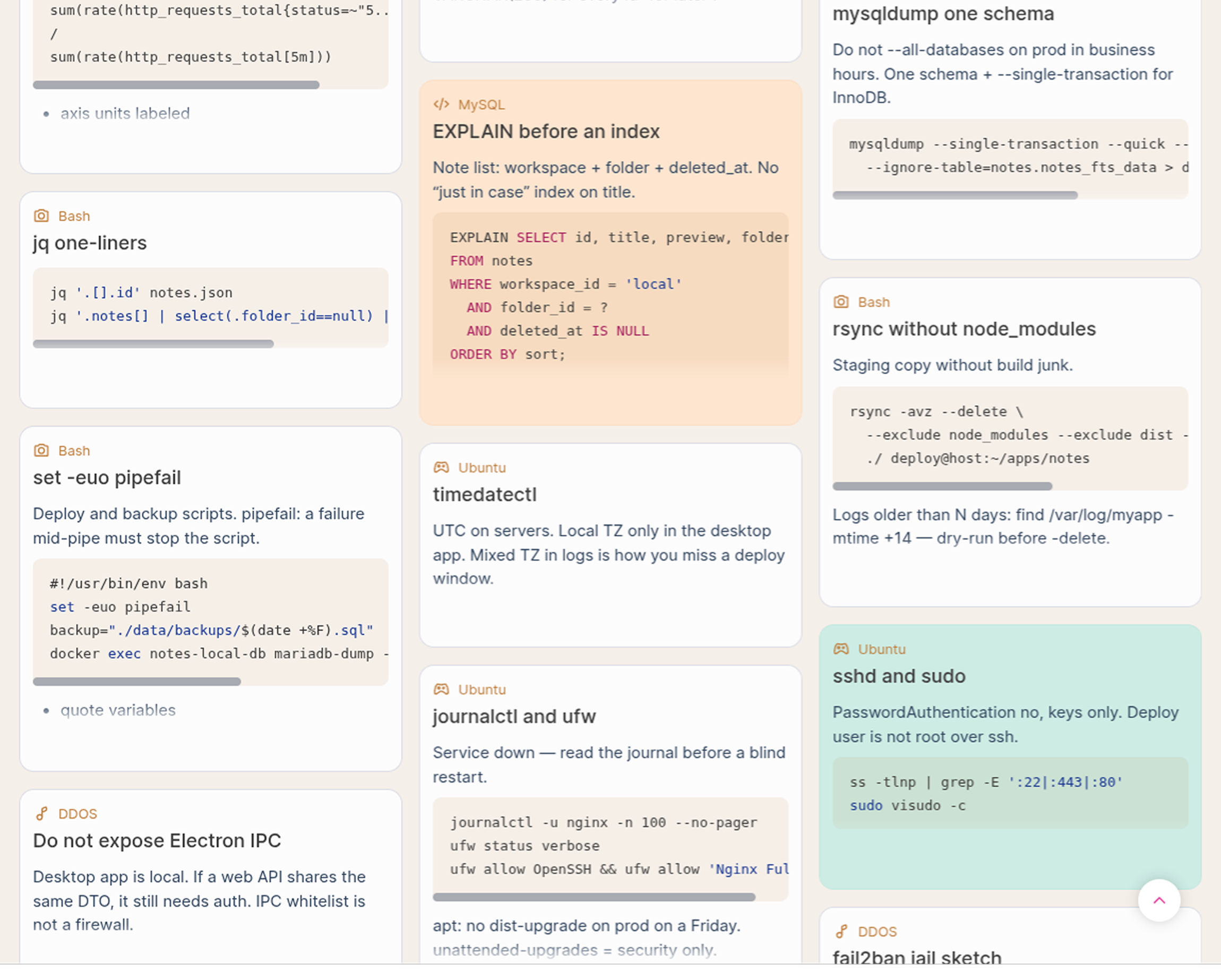
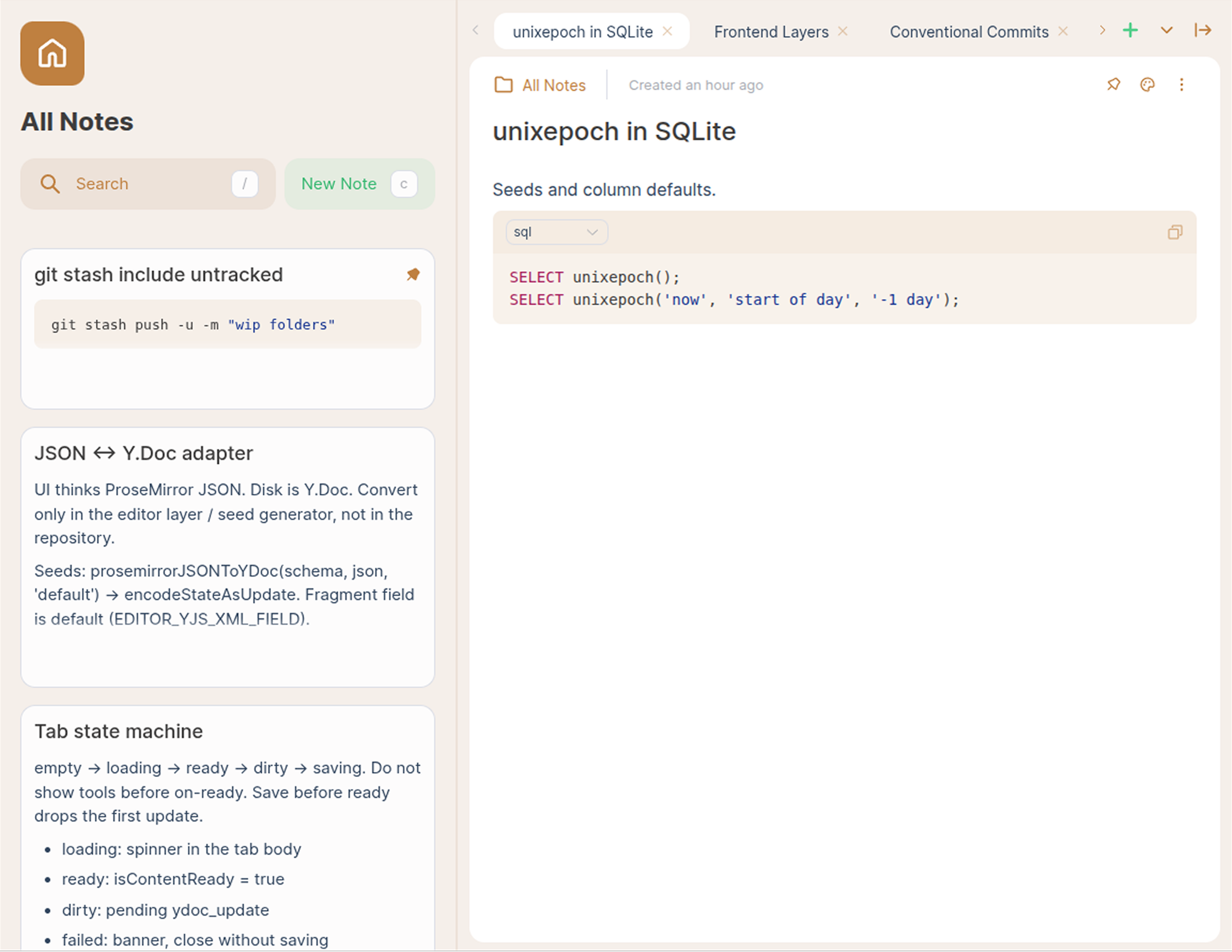
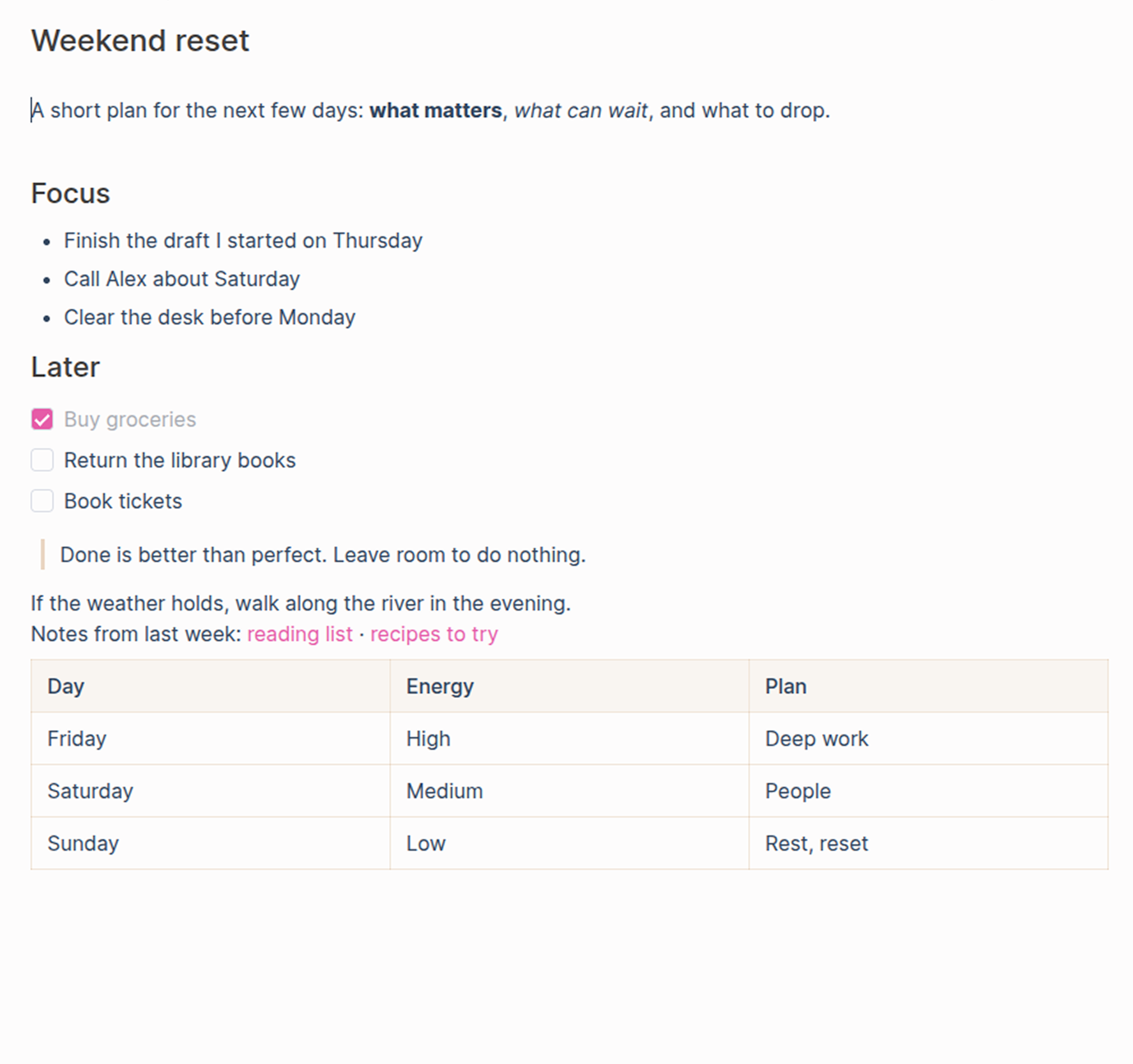
Additional features for organizing, personalizing, and managing your notes.
Organize notes into folders with any level of nesting.
Quickly find notes by title or content.
Keep important notes at the top of the list.
Use colors to visually organize and distinguish notes.
Choose from multiple languages for the app interface.
Use a dark interface for comfortable viewing in low-light environments.
Personalize the interface with your preferred accent color.